Bar Inventory Software: What to Ask For Before You Buy
Choosing bar inventory software: what to ask for in costing, stock and routines, when a spreadsheet is enough and when a program pays for itself.
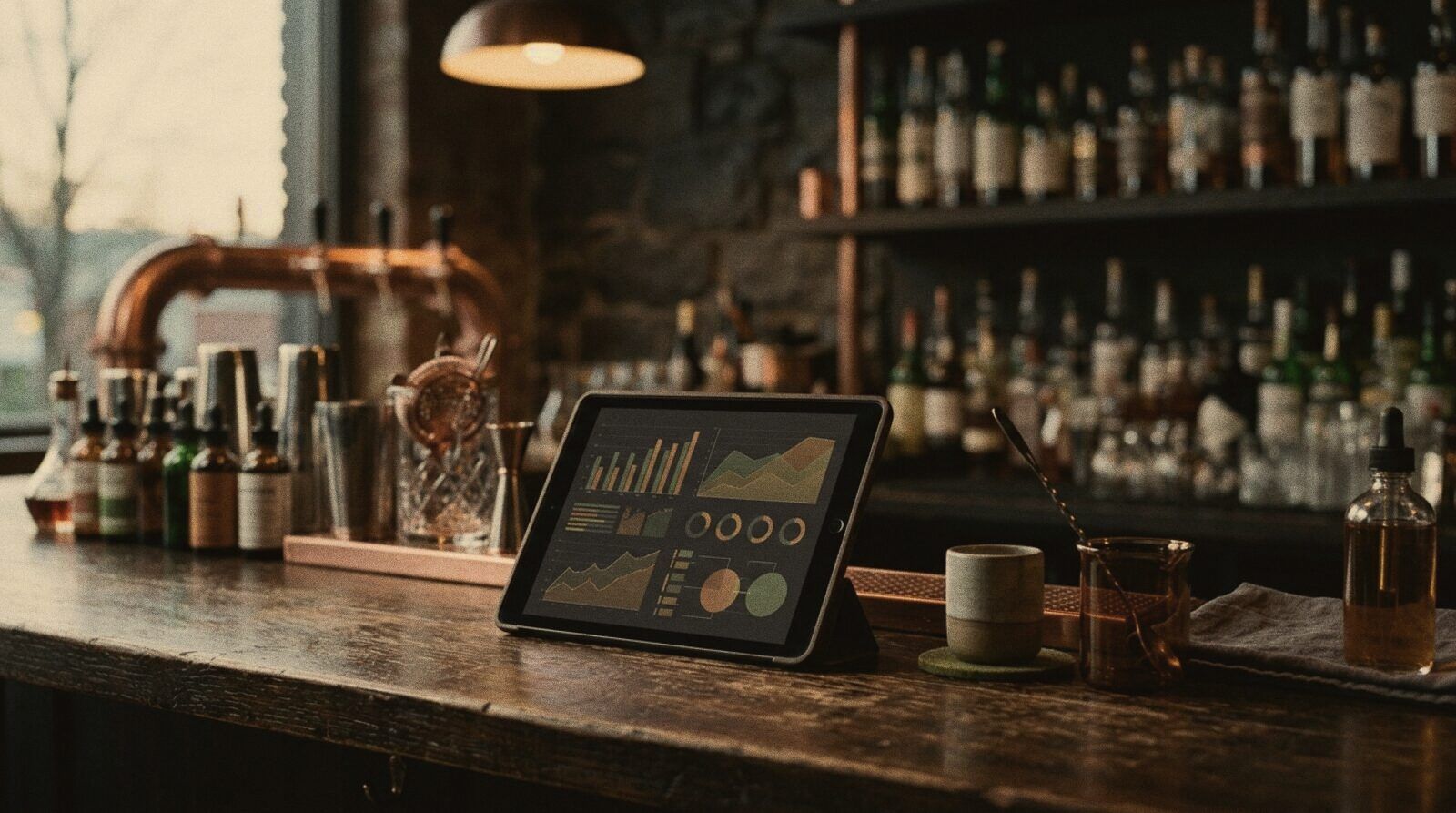
Search for bar inventory software and you will mostly find lists of tills: the search engine shows you programs for taking payments and sending orders to the bar. But what decides whether a bar or cocktail bar makes money is almost never the till. It is what happens before: what each cocktail really costs, how much stock is sitting on the shelves, and whether the bar opens and closes the same way every time.
I’m telling you this as someone who works behind the bar, with a warning up front: I am a distributor of Miselup and Timlup and I set them up in bars. I’ll say so plainly when I talk about them, and I still want this article to be useful to you if you choose something else.
What a bar really needs
To run a bar on data, you have four distinct needs. One program can cover several of them, but it pays not to mix them up:
| Need | Question it answers | Usual tool |
|---|---|---|
| Taking payments and orders | What has been sold, and to whom? | Till (POS) |
| Recipe costing and costs | What does each cocktail cost me and what margin does it leave? | Spreadsheet or costing program |
| Stock and purchasing | What do I have, what do I order and what is wasted? | Inventory, spreadsheet or management program |
| Routines and control | Have the opening, closing and cleaning been done? | Paper or digital checklists |
A classic mistake is buying a till and expecting it to solve the three bottom rows. Some tills include inventory modules, and they can work; what matters is checking how much detail they give you on your own preps, which is where a cocktail bar differs from a pub.
Recipe costing: the first thing to ask for
Costing is the foundation: it works out the cost of each cocktail from its ingredients. In a cocktail bar it has an extra difficulty, because many cocktails use your own preps (cordials, infusions, base mixes) that have a cost of their own. If your tool can’t treat a prep as just another ingredient, the calculation falls short.
This is what I would ask of any drinks costing program:
- Preps inside preps. The cost of a cordial should feed into the cocktail’s cost and update on its own.
- Automatic recalculation. If a bottle goes up in price, every cocktail that uses it is recalculated.
- Wastage and yield. A citrus peel or a block of ice is not 100% usable.
- Cost and margin per cocktail at a glance. With a clear signal showing which ones leave little.
- Spec sheet linked to cost. A single source of data for the recipe and the costing.
- Allergens declared on the spec sheet.
If you want to understand the logic of the calculation before choosing a tool, read the article on cocktail costing, and for direct help see the bar audit and cost control service.
Stock and inventory: the second leak
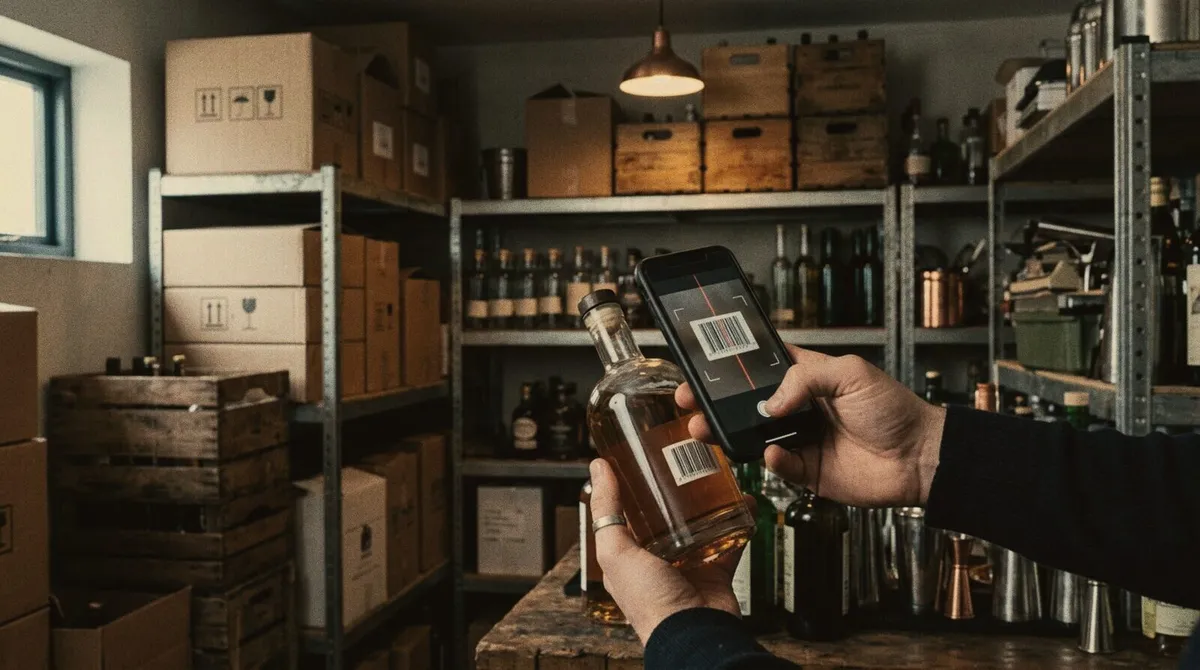
Bar stock control has a reputation for being a chore because it gets done late and badly. A good system doesn’t ask you to count everything every day. It asks you to:
- Know what comes in (delivery notes, purchases) and what goes out (sales and production).
- Run regular stocktakes and compare them with the theoretical figures to spot wastage.
- Value your inventory, so you know how much money is tied up.
- Track batches and expiry dates on fresh produce and your own preps.
If your bar is small, a monthly stocktake in a spreadsheet may be enough. As the menu and the preps grow, doing it by hand takes up hours you don’t have.
Opening, closing and cleaning routines
This rarely gets talked about, yet it is where control slips away without you noticing. If the opening isn’t done the same way each day, service starts with gaps: ice not made, cold room not checked, mise en place half done. A signed checklist leaves a record and builds the habit. Before thinking about an app, try a simple paper list for two weeks: if the team sticks to it, going digital will give you traceability; if they don’t, the problem isn’t the format.
Spreadsheet, till or program: an honest comparison
There is no outright winner. It depends on your size and how much time you are prepared to put in.
| Option | When it fits | Advantages | Limits |
|---|---|---|---|
| Spreadsheet | Short menu, a single person in charge, minimal budget | Flexible, no licence cost, you control it | Breaks easily, duplicate versions, recalculation is manual |
| Till with inventory | You want to sell and deduct stock in one place | One system, sales and stock connected | Usually less precise on your own preps and spec sheets |
| Dedicated costing and management program | Menu with preps, several people, a need to control margin | Costs, spec sheets and stock connected and recalculated | It has to be set up and the data kept up to date |
There are also several costing programs on the market designed for restaurants and kitchens. I don’t compare them one by one because I don’t set them up and I don’t want to describe what I don’t know well. What I do recommend is asking for a trial with your real menu, with one of your own preps in it, and seeing whether the result works for you.
What I set up: Miselup and Timlup
With the framework clear, here is what the two tools I distribute do. The details come from their own websites.
Miselup (miselup.pro) is management software for hospitality. According to its website, it works out the cost of each recipe from ingredients and intermediate preps, recalculates when a quantity or price changes, and covers wastage, cost per portion, selling price and a traffic-light margin indicator. It includes spec sheets with allergens and, depending on the plan, also covers purchasing, inventory, production and HACCP (temperature logs and batch traceability).
Timlup (timlup.pro) is something different, simpler and complementary: digital checklists that replace paper. Each list appears at its shift (opening, closing, cleaning), staff log in with a four-digit PIN, tick off the tasks and sign, and a record is kept of who did it and at what time.
This is how I approach it in a bar:
- First I tidy the data. Suppliers, prices, spec sheets and preps. This has to be done with any tool, and it is what takes the most time.
- I load the menu and check the costs. With your own judgement as an operator, not with templates.
- I train the team. A tool that isn’t used during service is no use at all.
- I add stock and routines once the base is reliable.
My value is not the program; it is having someone with bar experience help you get the data and the team ready to use it. If you first want to see what suits you, start with bar management software.
What I’ve seen go wrong (and it isn’t the software)
After years behind a bar, tools rarely fail because of their features. What fails is what surrounds them:
- Messy starting data. If supplier prices are out of date or recipes haven’t been measured, the program calculates the wrong results with great precision.
- Nobody in charge. Someone has to update prices and spec sheets. Without an owner, the data goes stale.
- A team that doesn’t use it. If checking the spec sheet takes more effort than improvising, people improvise.
- Trying to load everything on day one. It is better to start with costing, fine-tune it, and then add stock and routines.
In the Stillroom Academy courses I insist on the same thing as in consultancy: method and craft first, tool afterwards. Good software speeds up an organised bar; it doesn’t organise a chaotic one.
When you don’t need a program
To be honest: if your menu is short, you work alone or with one other person and you have no preps, a well-kept spreadsheet may be all you need. A program pays off when prices change a lot, staff turnover is high, several people touch the recipes, or you need traceability and records.
Checklist before you choose
- Does it calculate preps inside preps?
- Does it recalculate everything when a price changes?
- Does it link spec sheet, cost and allergens?
- Can I export my data if I ever switch?
- Can my team use it from their phones without long training?
- Did I run the trial with my real menu?
If you’d like us to look at it together
Choosing a tool is the easy part; the hard part is having reliable data and a team that uses it. If you’d like us to review your menu, your costs and what suits you (even if the answer is “a spreadsheet”), write to me from the contact page and we’ll go through it with your numbers in front of us.
Topics: bar inventory software · recipe costing software · bar stock control · bar management
Frequently asked questions
Which POS software is best for a bar, and what else does a bar need?
A till system takes payments and records sales, but it rarely works out what each cocktail costs or tracks wastage. To know your real margin you need costing and stock software, either standalone or built into the system you already use.
What is the best way to manage inventory at a bar?
Record what comes in (delivery notes, purchases) and what goes out (sales and prep), run regular stocktakes and compare them with the theoretical figures to spot wastage. In a small bar a monthly count in a spreadsheet can be enough; as the menu and your own preps grow, doing it by hand eats hours you don't have.
Where can I find a free costing template for Excel?
You can build one in an afternoon: in the cocktail costing article on this blog you have the essential columns and a worked example. Building it yourself has an advantage: you understand every formula and know where to look when a margin doesn't add up.
Can AI help with recipe costing?
A general-purpose AI assistant can help you organise recipes, check formulas or spot inconsistencies, but the calculation is only reliable with your own purchase prices, yields and measures. Some management programs already include assistants that work on that data; without good data, no AI gets it right.
How much does bar management software cost?
It depends on the type of tool, the plan, the modules and the number of venues, and many are paid for as a monthly subscription. The useful question is not just what it costs, but how many hours of spreadsheets and how much lost margin it saves you.
Is there a free app for managing spirits inventory?
There are spreadsheets and apps with free versions, useful for getting started. Before choosing, check what each one includes, what its limits are and how you can export your data if you switch tools.
How long does it take to roll out software in a bar?
It depends mostly on the quality of your starting data: suppliers, prices, spec sheets and preps. With tidy data, setting up is quick; if the data has to be built from scratch, that work is the long part and it is the same with any tool.
Want to bring this to your bar?
Miselup
Recipe costing, costs, stock and prep sheets for your bar.
Timlup
Opening, closing and cleaning checklists for your team.
Bar audit and cost control
I come to your bar during live service, review your menu, costings and waste, and leave you a prioritised 90-day plan.